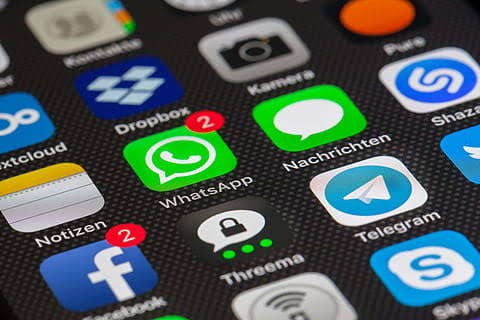
The social media platform Facebook has been integrated with the messaging platform WhatsApp. In such a situation, users will now be able to use Facebook’s video calling feature Messenger Rooms on Whatsapp. However, it will be available only on the web version. Simply put, WhatsApp users will be able to use the video calling feature Rooms by connecting the app to the desktop. The company is also going to offer rooms in the mobile version of WhatsApp soon. Currently its testing is going on. Apart from this, the screen sharing and navigation option will also be given to the WhatsApp web user on the app itself. The option of Messenger Rooms is available to users on WhatsApp Web version 2.2031.4. Let us know that Messenger Rooms is a feature of Facebook, whose shortcut is being given on WhatsApp.
This is how you can use
WhatsApp users first check if their app is updated or not. If not, first WhatsApp user will have to update their app. For this, Android users will have to visit the Google play store, where the latest version of WhatssApp can be updated.
> If you are not yet getting the option of rooms on Messenger on WhatsApp web, then check whether you are using the latest version. The company is also testing this integration on the beta versions of Android and iOS.
> After the app update, the user has to connect WhatsApp to the desktop. For this, WhatsApp Web facility is already being given. There are two options to connect Messenger Rooms on WhatsApp.
> Under the first option, after clicking on the symbol like arrow shown in the top left of the WhatsApp Web screen, you will see the ‘Create a room’ option, by clicking here, the user will be able to navigate to the messenger.
> As a second option, the user will have to open the chat screen and click on the attachment icon showing the top right size, where photos, videos and cameras as well as the shortcut icon of the rooms will appear, where clicking can directly use Messenger Rooms.
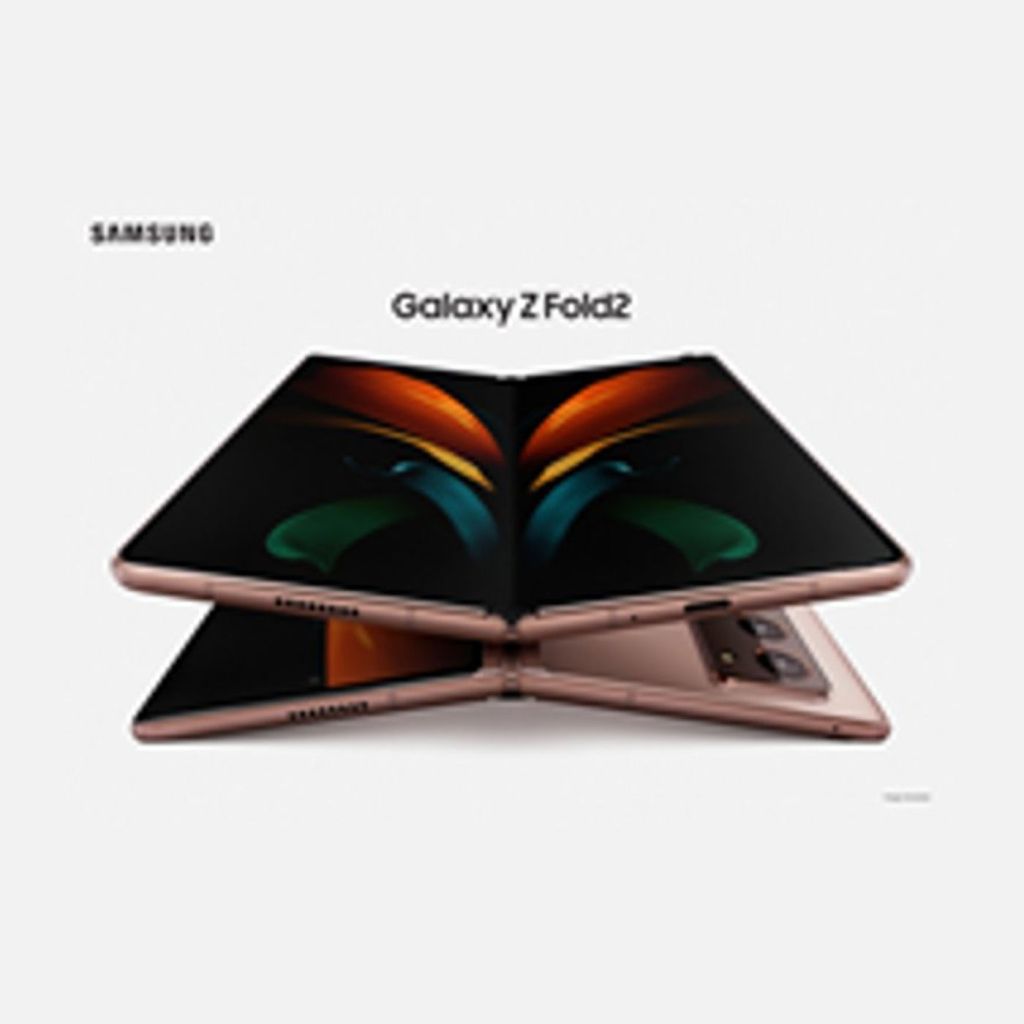
South Korean company Samsung has included a new smartphone in its list of flagship foldable smartphones. Samsung has officially announced its new foldable smartphone Galaxy Z Fold 2 in its online Galaxy Unpacked Event 2020. This phone is an upgraded version of the Galaxy Z Flip launched last year. The phone has a new camera system, large external display with hole punch display. The phone will come in two color options mystick black and mystic bronze.
Will have to wait till September for launching
At present, Samsung has not made any disclosure about the launch date and price of the phone. In such a situation, we will have to wait for more information about Galaxy Z Fold 2. Samsung has claimed that the remaining information about the Galaxy Z Fold will be given at the event on September 1. Please tell that pre-order of Samsung Galaxy Z Fold smartphone will also start from this day.
Specifications
The Galaxy Z Fold 2 smartphone has been introduced with two displays. A 6.2-inch external full-size screen will be found on the fold of the phone, which will cover the entire phone. If the same is unfolded, the main display of the phone will be 7.6 inches. It is going to be easy to use when the phone is folded. The notch display is given on the top right corner of this flagship smartphone. Also, the phone is offering a 120Hz refresh rate dispel, which will give a good gaming experience in the phone. Apart from this, Qualcomm’s latest Snapdragon 865 Plus processor has been given in Galaxy Z Fold 2.
San FranciscoFacebook has offered a feature called App Lock in Messenger, which will prevent users from reading their private messages from others. With the help of app lock, private messages will be provided better security, like if someone asks you for your phone for some time, then using the app lock you can be sure that no one can read your chat etc. is. Jay Sullivan, director of Messenger Privacy and Safety, Product Management, says Privacy will play an important role in Messenger, whether it is a message or video chat, a call or a messenger room. In the new section of privacy settings, there is an app lock under which privacy settings such as fingerprint or face authentication will be required to unlock the Messenger app.
Now this facility for iPhone and iPad Facebook on Wednesday informed that this feature is currently available for iPhone and iPad, and it will also be made available for Android in the next few months. Facebook said it would also work on some new controls such as Messenger users to be able to decide who can directly call or message them, who will go to their request folder and who will not be able to call or message them at all. This will be similar to message control on Instagram.
Nowadays, it is the time of Smartphone and almost everyone has one or two Smartphones. Now-a-days, you must have heard in the news, how through online hacking and malware software, online criminals are stealing important documents from people ‘s smartphones or delivering honey to their mobile phones.80 percent of the smartphones in the Android market are Android OS and the remaining 20 percent are iOS and other OS. People are blindly using the fun features of the smartphone but they do not know that one can rob them of everything from their mobile too.So keeping your Android Smartphone safe from theft, Hacking and Trojan Virus is the first priority for Smartphone Users. So we did a little research on the Google Play Store and tested some Antivirus and Security Apps.
Kaspersky Internet Security is also a powerful security app that protects your Android and Tablets from Virus, Spyware and Trojans.
With this app also you can keep your device’s personal and privacy data like Calls, SMS and Contacts safe. This Security App also blocks useless apps and SMS which can prove to be dangerous for your Smartphone.
This app keeps your phone secure while using your Banking Sites and also removes Dangerous Virus. Kaspersky Antivirus also monitors download and install apps on your mobile phone and recommends to remove dangerous apps.
This app also has the feature to Loacate Lost Phone and lock it remotely. You can also hide all your stolen phone contacts, phone calls, SMS.
You can also do web browsing safely because Kaspersky blocks Antivirus Fake and Malicious Links. With the help of Voice Alarm, you can also find a roaming phone and can also scan Antivirus.
The most powerful thing about this antivirus is Kaspersky Mobile Security App Free and also Ads Free which does not show useless ads in your mobile.
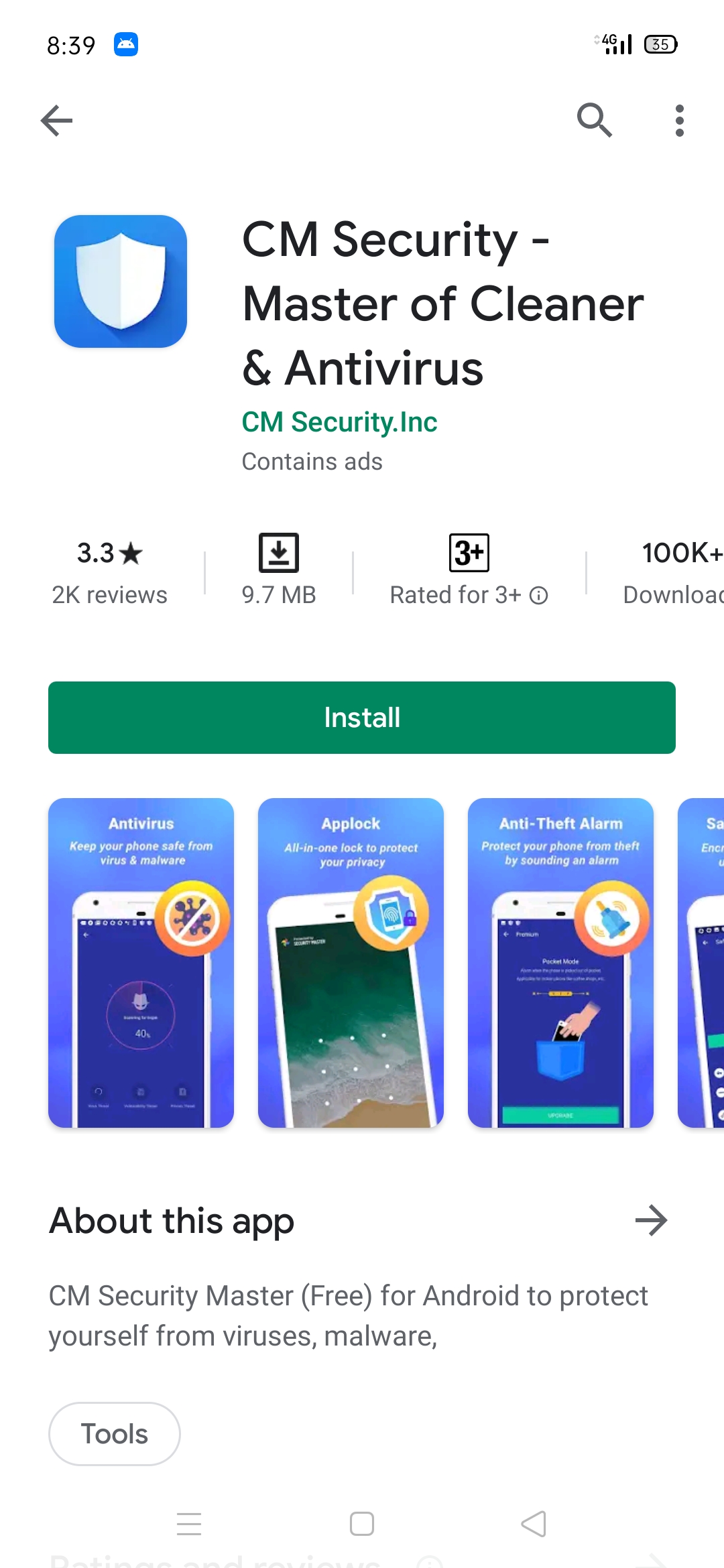
CM Security AppLock Antivirus is the best Android Security App of 2017 because it has many features that keep your Smartphone safe & secure. It has the App Lock feature that supports Android V 5.0 and above smartphones.
One of its great features is that if someone tries to open your locked apps again and again, the app takes a photo of it and saves it. This app is very beautiful in appearance. With this app you can also lock your Mobile Data, WiFi, Bluetooth, Incoming Calls, Installing / Uninstalling Apps, Play Store, Web Browser, Setting.
You can also hide the notification of Whats App, Facebook or other Chatting Apps. You can also safely download videos in your Smartphone. It supports both Mobile Phone and Tablet Device very well.
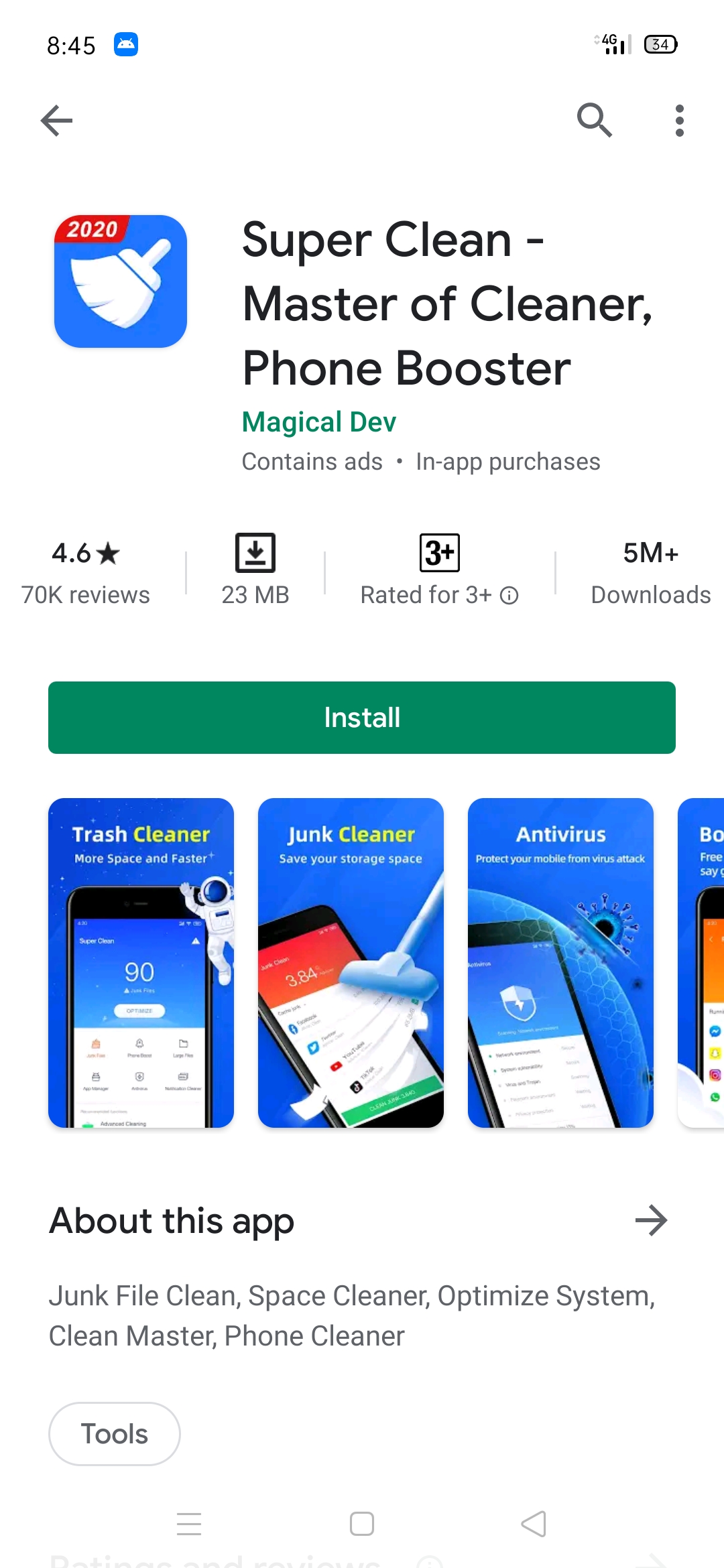
Super Clean Master is also a Best Cache Cleaner and Antivirus which helps a lot in keeping your phone fast and secure.
This app removes junk files from your storage memory by scanning and increases the processing speed of the phone. Hide the unnecessary junk notifications and also increase the processing speed of the phone.
Clean Master checks your already installed apps and newly installed apps and advises to remove apps with Virus and also takes care of privacy
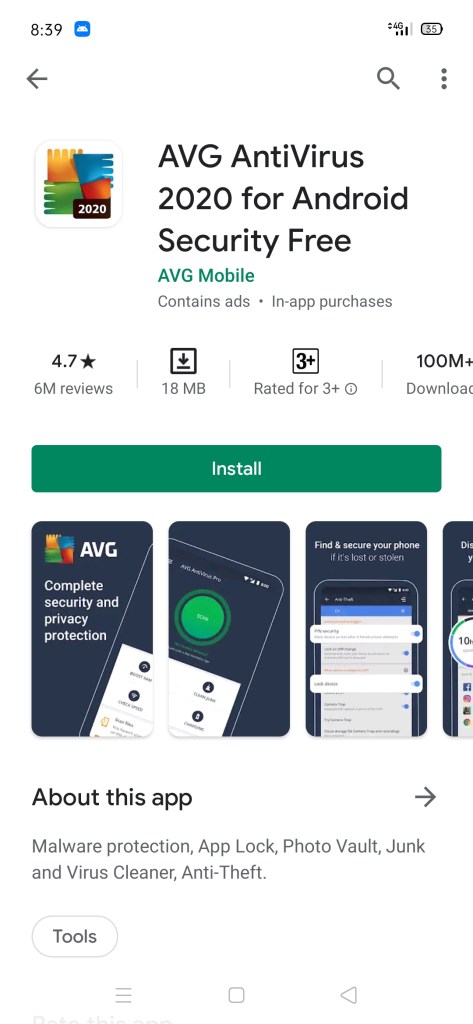
AVG Antivirus is also a very good Virus Cleaner that runs very smoothly on both Tablet and Phone. With this, you also protect your phone’s Malware, Spyware, Scamware and Text Message.
You can also use it as App Lock. You can scan your Apps, Games, and Files and through Google Maps, you can find your rotating phone.
This increases the speed of the phone by closing your Background Apps. It also has the option of Battery Optimization, which will increase your battery life.
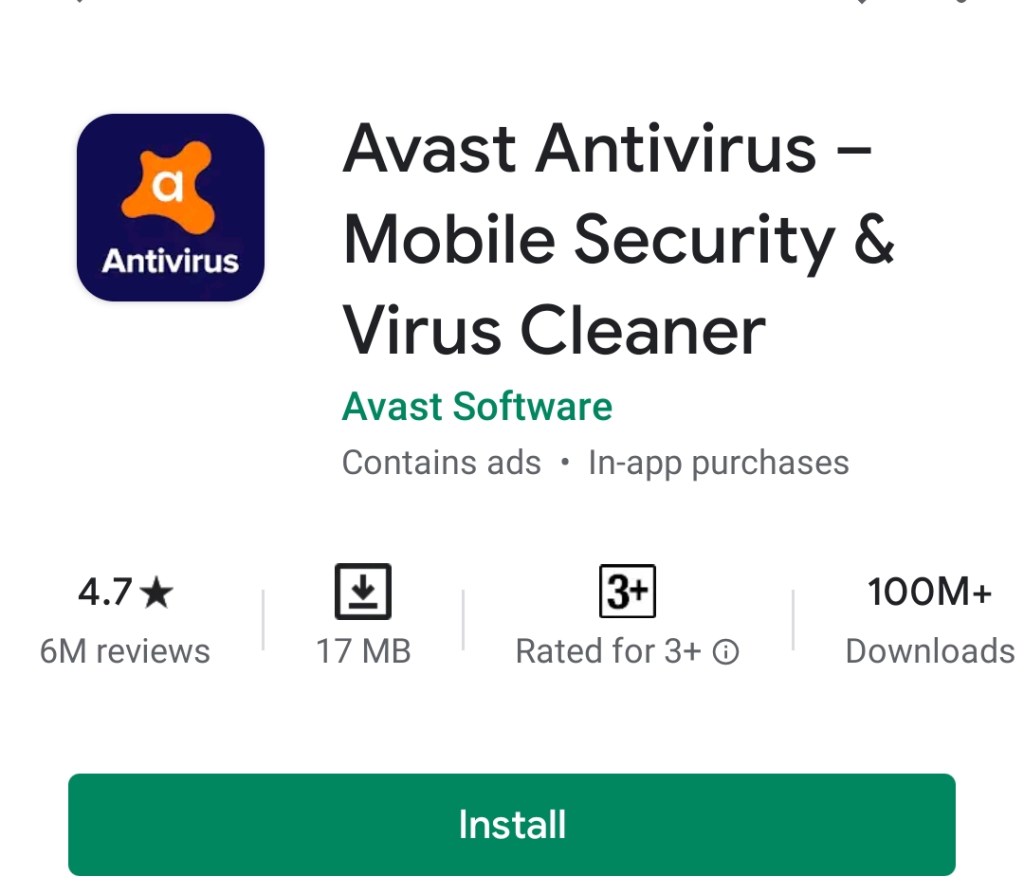
We all know the name of Avast Antivirus. Its Mobile Security and Antivirus App is also very good. This app scans your Email, Phone Calls, Infected Web Pages and Incoming Messages and keeps your phone safe.
This app has also been downloaded a lot by people on Google Play and its rating is also good. It is also of App Light Memory. It also boosts the charging time of your phone by closing your high CPU usage apps.
There is also the option of Junk Cleaner, which increases the memory of the phone by deleting the useless App Cache.
It is a good Trusted Security App but compared to the above apps we feel it has some features but its performance is good.
These mobile games can be tried once if you are bored in the house during lock down and do not understand any way to spend time. They can also be played with friends online.Many smartphone games have the option of multiplayer and can also be played together with their friends online. However, finding the best of the millions of games on the Play Store is not an easy task. This is the reason why we have brought you the top-5 list of the best Android smartphone games, which includes these games.
Top 5 android games
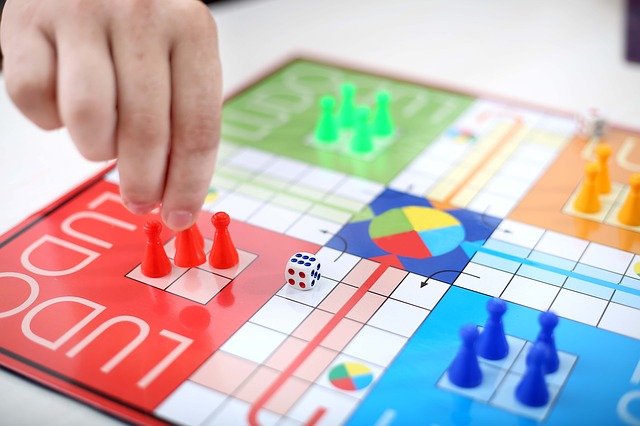
(1) Ludo king
It is clear from the name that this is the digital version of your childhood favorite game Ludo. The special thing is that in the Ludo King game you can also play matches with your friends. This smartphone game also runs well on low-end and low RAM devices and every match winner gets coins. This can be a great way of time pass and in this game only the option to play snake-ladder is given.
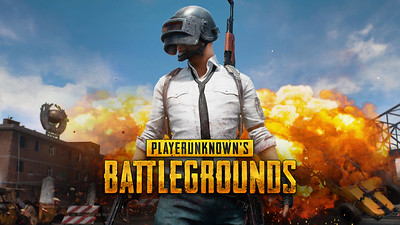
(2) PUBG
The player’s Unknown Battleground or PUBG has been speaking since its launch by raising the head of youth. In this multiplayer Battle Royal game you can also play with your friends in groups of four online and beat enemies. Apart from the great graphics, this game also gives you the option to play on different maps. New skins and weapons are also available to the player on the game and it is quite addictive.
(3) 8 Ball poll
If you do not know how to play 8 ball pool, then you can enjoy this game. The best part associated with this game is that you can also challenge your Facebook friend and play one-to-one pool match with him. Instead of winning the game, it gets coins and exclusive items, with the help of which the pool table can be customized.
(4) Mortal Kombat 11
If you like one-to-one fighting games, then it is one of the best graphics games in the list of Android games. In this game 3 vs 3 battles can also be done and teams of all three characters can play in different modes. Each character has different fighting moves, which can be tried in the game. However, this game is designed for users above 17 years of age and is of 1.1 GB
(5)Call of duty mobile
Like PUBG, Call of Duty is also a Battle Royal game and offers multiplayer option to users. The game also offers 5 vs 5 mode, which is liked by the players the most. A team of five players fight against each other on different maps and locations, and the two who get the first 50 kills win the team. It is also a game with great and heavy graphics.
The year 2020 was not good for the popular video sharing app TikTok. Due to the Chinese connection, successive countries are banning TikTok and for the company it is no less than a disaster. In India, the second largest market after China, this app was banned in late June. Now countries like US and Japan are also going to do this. The app’s condition has deteriorated due to loss of large user base.
The TikTok app has also been accused of sending users’ data abroad without their permission and storing it in external servers. Several countries including South Korea have also imposed a fine of crores of rupees on the app following data-related complaints. Also, the Chinese identity of the app is proving to be harmful for it. In such a situation, the only option left to remain between the users is to break the relationship with China completely.
Fear of ban in america
The company has been repeatedly clarifying that its staff is from the US and that users’ data will never be shared with the Chinese government. Actually, Tiktok’s parent company is ByteDance Chinese and after India the company will not want to bear the risk of losing the US user base. President Trump of America himself has spoken about banning this app and to avoid this, the Tiktok app now wants to be sold.
TikTok can be sold
A report by The New York Times stated that Tiktok would have to be sold in the US to escape the ban and protect himself. The video sharing service wants Microsoft to buy it and is also moving in this direction. Tiktok CEO Kevin Mayer has recently said that Tiktok is being made a new target but we are not enemies. The app seems to have conceded defeat and sold it to protect itself.





 Tech Advice